Revit Snippet: Copy Linked Room Data to MEP Spaces
Keeping your MEP spaces synchronized with architectural rooms can be one of the most repetitive and time-consuming tasks in Revit. If you’ve ever found yourself manually matching space numbers to room numbers, or copying room names one by one, this post is for you.
In this tutorial, I’ll show you how to use Dynamo and Python to automate this entire process, saving you hours of manual work while ensuring your model data stays perfectly aligned. The full video tutorial is embedded so you can follow along step by step.
Resources
✅ My full Python Scripting for Dynamo course
✅ My other tutorial on using Python for Dynamo in Revit
✅ My other tutorial on setting up and using Visual Studio Code for writing Python code in Dynamo
Why You Need This Workflow 💡
When working in multidisciplinary Revit projects, linked rooms from the architectural model often don’t automatically sync their parameters with spaces in the MEP model. This can lead to:
- Inconsistent numbering between rooms and spaces
- Incorrect schedules or tags
- Extra time wasted on manual updates
This Dynamo script solves that problem by automatically copying the parameters you choose (for example, Number or Name) from linked rooms into matching spaces in your host model.
What You’ll Learn in the Video 📚
In the video, I’ll walk you through:
✅ How to select the linked architectural model inside Dynamo
✅ How to define which room parameter to read and which space parameter to update
✅ How to use a simple Python script to process all rooms and spaces automatically
✅ How to safely handle Revit transactions when modifying element parameters
✅ How to check the results quickly and confirm that everything worked
By the end of the tutorial, you’ll have a Dynamo script that instantly syncs all your spaces with their linked rooms, no manual matching required.
Why This Script is a Game Changer ⚙️
This workflow is not just a time-saver; it’s also a data quality booster for your BIM projects. With this script, you can:
🚀 Eliminate repetitive manual updates
📊 Maintain accurate coordination between disciplines
💼 Improve the reliability of your space schedules and tags
🧠 Learn the logic behind Dynamo and Revit API automation
Whether you are an MEP engineer, BIM coordinator, or Revit automation enthusiast, this method will fit right into your toolkit.
Join the Community 💬
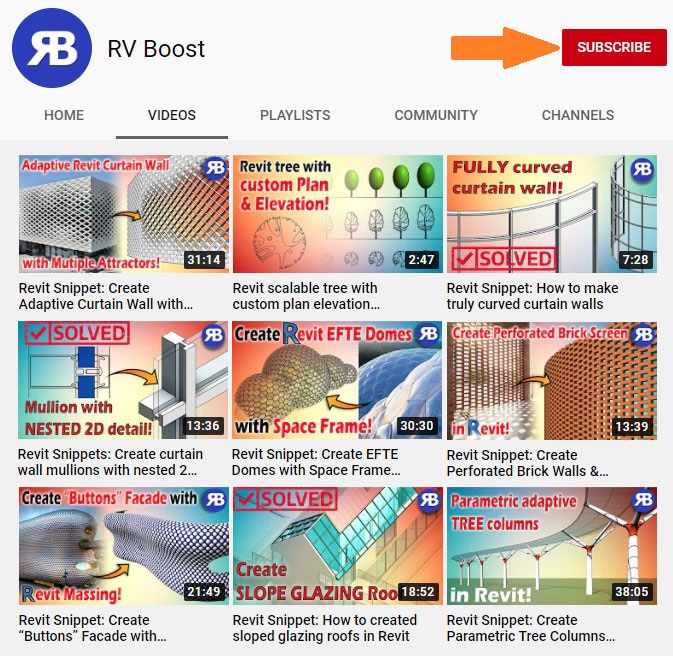
If you enjoy this type of content, make sure to subscribe to our YouTube channel, where I post new Revit and Dynamo tutorials every week. Each video focuses on practical automation workflows that make Revit smarter and your work faster.
Let’s make Revit do the heavy lifting for you, one script at a time! 🧱✨